
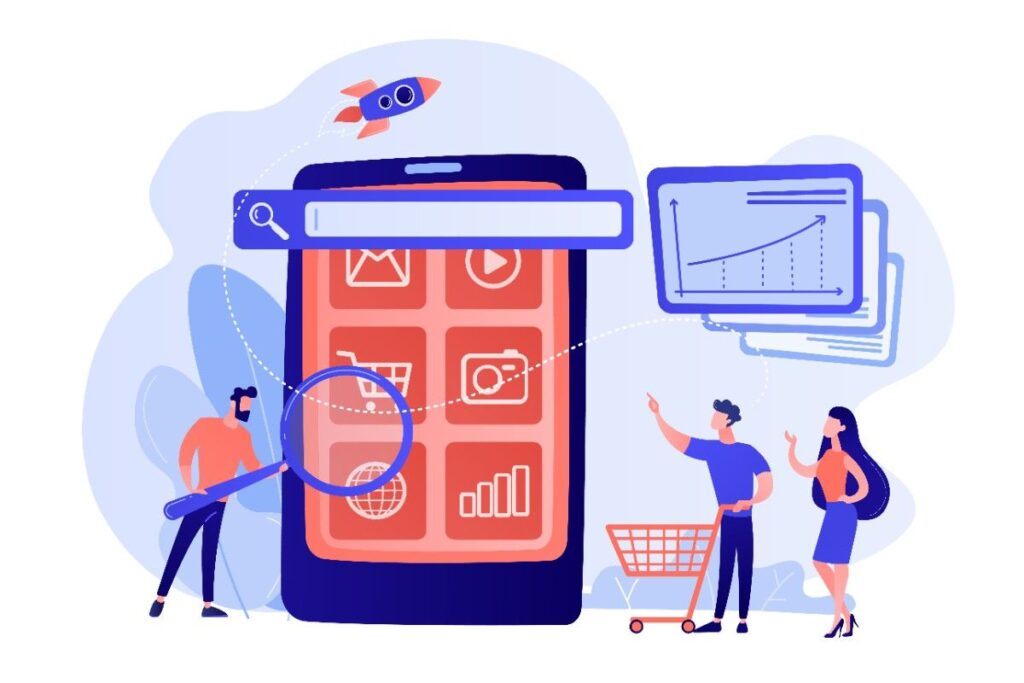
From Browsing to Buying: Mastering Ecommerce UX Design for Conversions
Is your website simply existing, or is it actively working to grow your business? Many online store owners face a confusing reality: they have invested heavily in a visually stunning website, yet their sales figures remain stagnant. It is a source of immense frustration to spend time and capital building a beautiful platform only to watch visitors leave without making a purchase.
The truth is, a sleek appearance is no longer sufficient to secure sales. While aesthetics play a role in brand perception, the engine that drives revenue is usability. At WEAMSE, we have found that the difference between a site that survives and one that thrives often comes down to specific strategies within ecommerce UX design for conversions.
When you shift your focus from how a site looks to how it functions for the user, the results can be dramatic. Our clients have experienced conversion rate increases of up to 30% simply by fine-tuning their user experience. This guide explores how you can replicate that success by prioritizing the needs of your audience and crafting an intuitive path to purchase.
Why Aesthetics Are Not Enough for Sales
It is easy to get caught up in high-resolution imagery and flashy animations. While these elements capture attention, they do not necessarily close the deal. A website can be a masterpiece of graphic design but a failure in user experience (UX). If a customer cannot find the search bar, struggles to filter products, or encounters friction during checkout, the visual appeal becomes irrelevant.
Effective ecommerce UX design for conversions bridges the gap between beauty and functionality. It ensures that every visual element serves a purpose. For instance, a “Buy Now” button should not just look good; it must be placed where the user expects it, use a contrasting color that draws the eye, and respond instantly when clicked. The goal is to reduce the cognitive load on your visitors so they can focus entirely on the products you offer.
The Difference Between UI and UX
To improve your metrics, it is vital to distinguish between User Interface (UI) and User Experience (UX). UI refers to the screens, buttons, toggles, and icons that users interact with. UX, however, is the overall journey users take as they interact with your brand.
Think of your online store as a physical retail space. UI is the interior decor, the lighting, and the layout of the shelves. UX is how easy it is to walk through the aisles, find the right size, and pay at the counter. You can have the most luxurious decor in the world, but if the register line is confusing, customers will walk out. Prioritizing ecommerce UX design for conversions means fixing those aisles and registers to ensure a seamless flow.
Core Elements of High-Converting UX
Improving your website requires a systematic approach. We start by understanding your audience’s needs and pain points, then implement solutions that guide them toward decision-making. Here are the foundational pillars that support a high-converting store.
Intuitive Navigation and Search
If users cannot find a product, they cannot buy it. Complex navigation menus are one of the primary reasons for high bounce rates. A successful strategy for ecommerce UX design for conversions involves simplifying categories and using clear, descriptive labels. Mega menus can be effective if organized logically, but they can also overwhelm the user if cluttered.
Furthermore, on-site search is a critical tool. Data shows that users who utilize the search bar are often in the late stages of buying intent. Ensuring your search function handles misspellings, offers predictive text, and yields accurate results is a quick way to capture these high-intent buyers.
Mobile-First Optimization
A significant portion of online shopping now occurs on mobile devices. A site that requires pinching and zooming to view product details will lose customers instantly. Mobile optimization goes beyond responsive design; it requires thumb-friendly navigation and easily tappable buttons.
When we discuss ecommerce UX design for conversions, mobile responsiveness is non-negotiable. Sticky “Add to Cart” buttons that remain visible as the user scrolls, simplified mobile forms, and accelerated page load speeds are essential for keeping mobile users engaged.
Trust Signals and Social Proof
Trust is the currency of the internet. New visitors need reassurance before entering their credit card information. Integrating trust signals directly into the design is a subtle yet powerful UX tactic. This includes displaying security badges near the checkout button, offering transparent return policies, and showcasing user-generated reviews.
High-quality reviews with photos allow prospective buyers to see the product in real-life scenarios, reducing hesitation. By strategically placing these elements, you are leveraging ecommerce UX design for conversions to build immediate credibility.
Analyzing the Customer Journey
Understanding your audience is the first step we take at WEAMSE. We look at the “why” behind the actions. Why do users drop off on the shipping page? Why do they view the “About Us” page before the shop? By analyzing these behaviors, we can craft interfaces that anticipate user needs.
A typical journey involves discovery, consideration, and decision. Your UX must cater to each stage. During discovery, high-quality images and video content engage the user. During consideration, comparison tools and clear specifications help them evaluate. Finally, during the decision phase, a streamlined path to the cart is crucial. Implementing robust ecommerce UX design for conversions means removing obstacles at every single one of these touchpoints.
Optimizing the Checkout Experience
The checkout page is where the battle for sales is won or lost. Cart abandonment is a plague on the ecommerce industry, often caused by unexpected costs, forced account creation, or a complicated checkout process. To combat this, we recommend a guest checkout option. Forcing users to register creates a barrier that many are unwilling to cross for a single purchase.
Additionally, using a progress bar during checkout keeps users informed about how many steps remain. This psychological tactic reduces anxiety and encourages completion. Every field you ask a user to fill out increases friction. Therefore, ecommerce UX design for conversions dictates that you only ask for essential information. If you do not need a phone number to process the order, make it optional or remove the field entirely.
The WEAMSE Approach to UX Strategy
At WEAMSE, we do not just build websites; we build business solutions. We believe that great UX/UI is the key to unlocking your site’s potential. Our process involves deep dives into analytics and user testing to identify exactly where your funnel is leaking revenue. By crafting intuitive interfaces and seamless navigation, we help guide visitors toward making decisions—whether that’s adding to cart or completing a purchase.
Investing in professional ecommerce UX design for conversions is not an expense; it is a revenue generator. As noted earlier, our clients have seen substantial growth after we fine-tuned their user experience. We take your site from a digital brochure to a high-performance sales machine.
Curious what your site says about your business? It might be time to stop guessing and start optimizing.
Frequently Asked Questions
What is the most important element of ecommerce UX design for conversions?
While many factors contribute to success, reducing friction is the most important element. This means ensuring fast load times, logical navigation, and a streamlined checkout process. If a user encounters resistance at any point—whether it is a slow page or a confusing form—they are likely to abandon the site. Prioritizing ease of use directly impacts your conversion rate.
How long does it take to see results from UX improvements?
Results can often be seen immediately after implementation, particularly if critical errors in the checkout process or navigation are fixed. However, comprehensive ecommerce UX design for conversions is an iterative process. Continued A/B testing and user feedback analysis usually yield steady growth over 3 to 6 months as the site becomes more attuned to user behaviors.
Why is mobile UX distinct from desktop UX?
Mobile users have different intents and constraints compared to desktop users. They are often on the go, dealing with smaller screens and potentially unstable internet connections. Consequently, mobile UX focuses on speed, larger touch targets, and simplified content presentation. Ignoring these specific needs hurts your mobile search rankings and alienates a massive segment of potential buyers.
Does design really affect trust in an online store?
Yes, design is the primary factor in determining the credibility of a website. Users form an opinion about your business within milliseconds of landing on your page. A cluttered, outdated, or broken layout suggests a lack of professionalism and security. High-quality ecommerce UX design for conversions establishes authority and reassures customers that their data and money are safe.